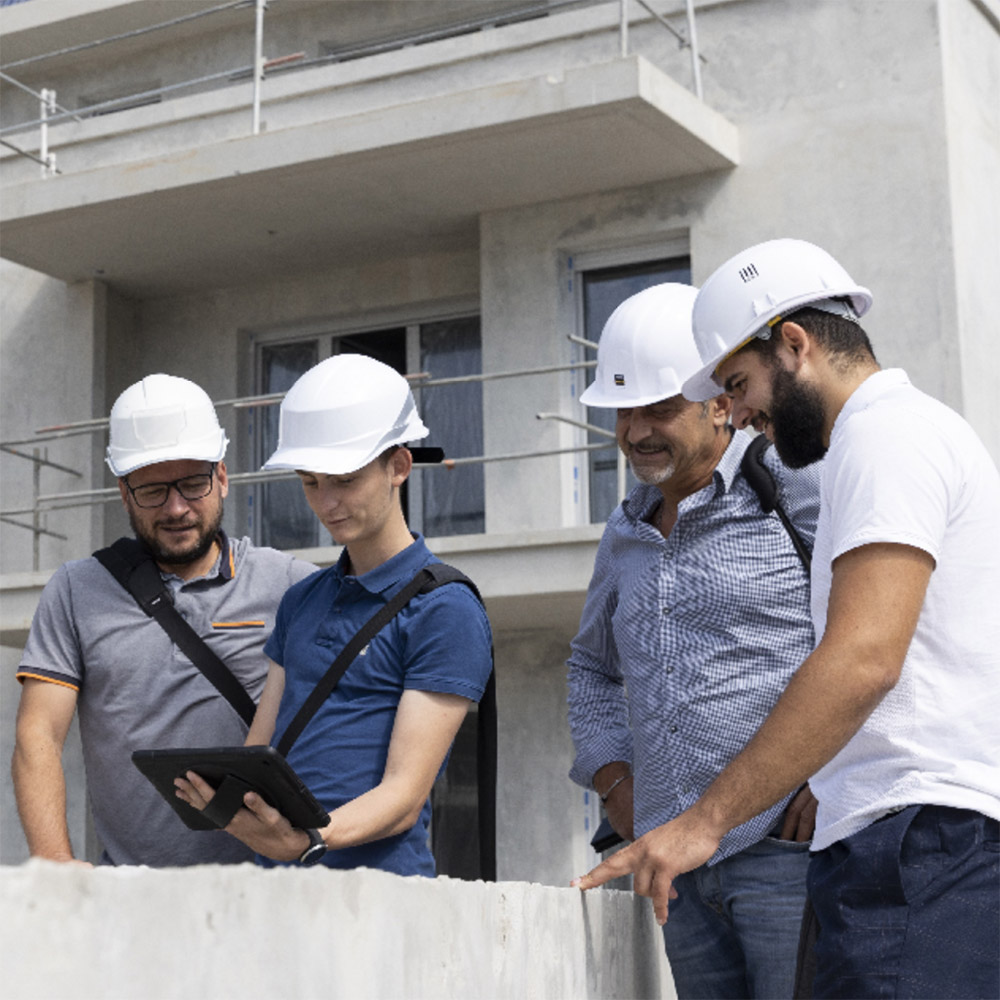
From construction to delivery, one tool for all

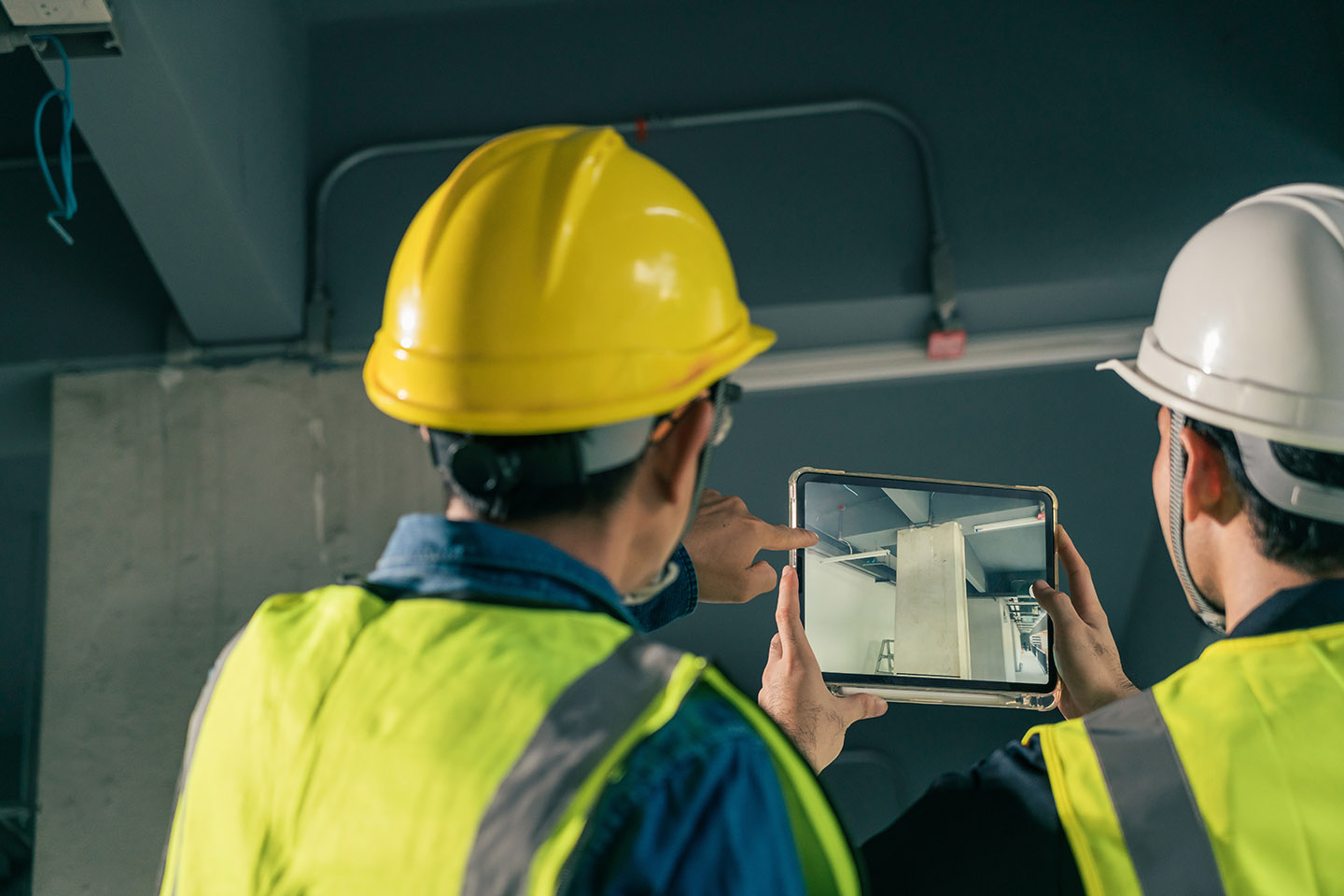
As soon as you start using Archipad, everything becomes easy. Your drawings will always be with you. You're pointing directly on your drawings to position observations. Adding a photo to an observation has never been easier.

Punch lists made easy.

Gain lots of time

Archipad is all about effeciency. We have added several tools to simplify the task and speed up your work. Using Archipad even allows you to remove tedious and time consuming steps.
Learn more about saving time

Manage construction site meetings

Use Archipad to conduct on-site meetings as you have never done before. Our simple to use list of items helps you organize your meetings effeciently, and makes sure you will not forget anything. Learn more about meetings

Organize observations and retentions

Archipad not only helps you simply entering observations, add photos, and track their status, Archipad will also send out reports to the contractors and sub-contractors, while you're still on site! Learn more about observations


    Track progress with a chart

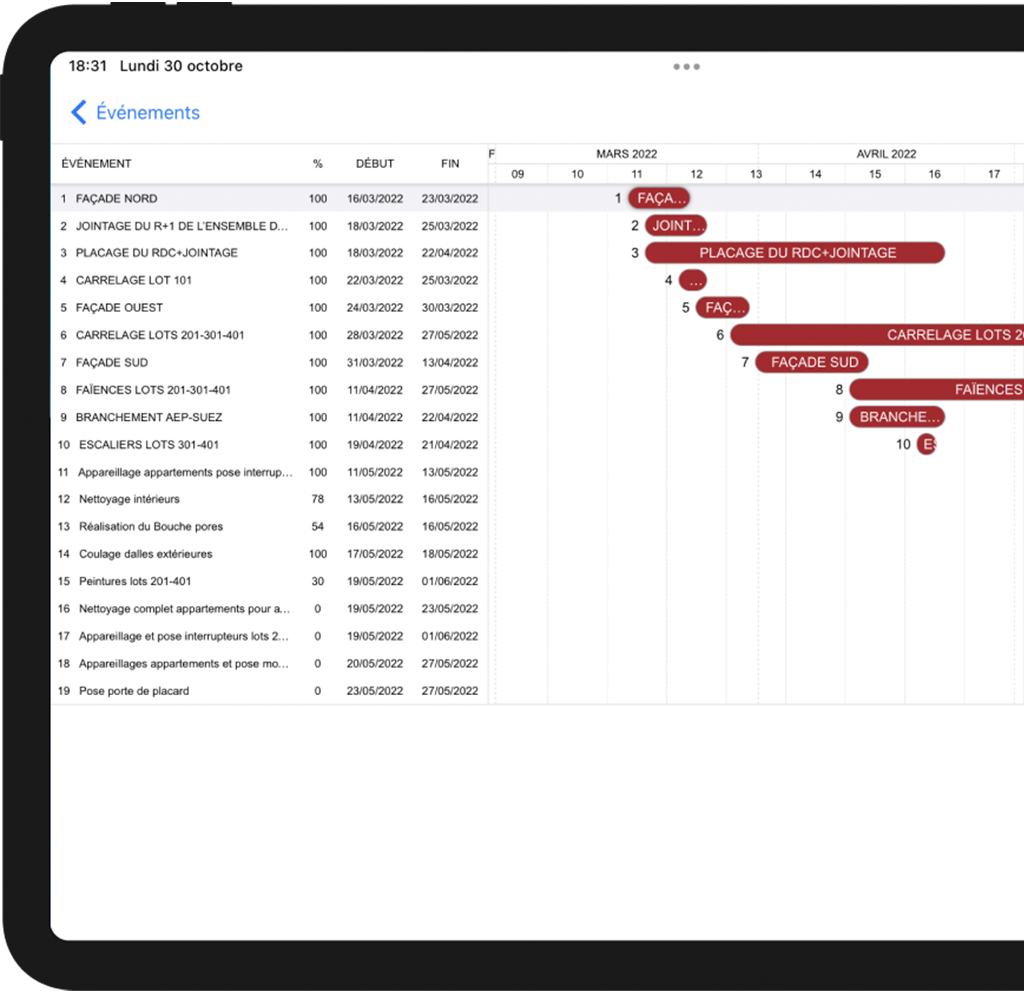
One of the new modules we added to this new version of Archipad allows you view at a glance the state of your projects.

Different information about a project, by drawing and by work package, shown clearly in pie charts, bar charts, and area charts. Each chart will show you best the state and progress being made.

With just a few taps of your fingers, you will know which part of your project might run late, which contractor is not following your schedule, and on which drawing things are just as planned.

Using the new color coding of observations, you can immediately pin-point on a drawing which observations are to be watched, those that are late, and those that are on track.


Working with multiple iPads?
Archiweb.

Whether you are working as a team on a large project adding observations at the same time, or when you are just two and both want to have a complete view of the overal project. At the end of each day, you will want to consolidate your work, so that each iPad contains all the work done by every one on the project.

Once you have set up your Archiweb account, you can simply send all your work back to the Archiweb cloud, where each user's work will be integrated into the project. Archiweb automatically takes care of any conflicts that might exist.

Once each of the iPads has sent in their work of the day, the project on the server will be up to date, complete, and ready for download, so that each of the iPads can start of a new days of work. At all times your team is up to date with a complete and comprehensive view of the project.


Gain time. Really lots of time

Our customers say they spend on average 50% to 75% less time per visit and sending out reports to contractors and sub-contractors using Archipad then they did before.

At all times all your drawings are with you, organized and sorted, available at the touch of your finger. Enter your observations directly on your drawings, simply by pointing at the right location on your drawing.

Our Type-Assist function help you drastically reduce the amount of text you enter. As you type, words that you use often are automatically proposed for single touch completion. Descriptions can also be selected from a list, specific for each contractor and sub-contractor. Rather than typing each description again, you will tap a previously entered one, standardizing your descriptions throughout your projects and company.

You will see, that as for our other users, Archipad will not only pay back for itself and the iPad you purchased, but will start save you money after just a couple of meetings. Read more


Information management

Send out reports at the end of meetings

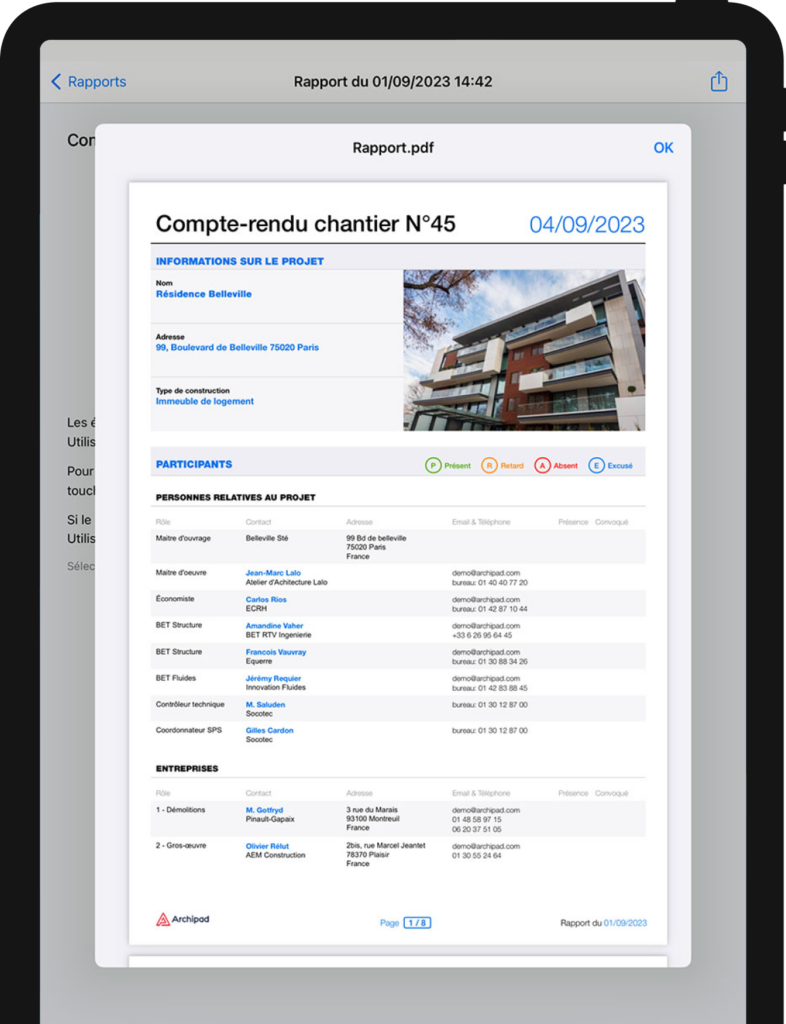
When you are done adding items to your punch list, generate a report and send it to all contractors and sub-contractors (and all the other people that were present during the meeting). With just a couple of taps of your finger, while you are still with the other attendees of the meeting on site, they will have your report waiting in their mailbox. No more wasted time returning to the office and retyping all your handwritten notes. Added some photos for extra clarity or for tracking purposes, or made a quick sketch of modifications to be made during the meeting? They too can be added to your report with a simple tap of your finger.

Keep track of observations and previous visits

Archipad will of course keep track of every thing that you, or any one from your team, has done on the project. Even if your were not present at a previous meeting, when you use Archiweb to consolidate the work of several collaborators using different iPads, every team member can update to the latest version of the project, and see what has been done. Every report can be quickly reviewed to track progress, each plan and any observations that were added to it can be pulled up for quick verification. And marking an observation as solved has never been easier, just swipe thru the observation, and it will be crossed of and marked as done. Automatically the due date will change to solved date, and will show both dates in your reports.


Track and manage the
construction site

Point observations directly on your drawings, and enter the information such as contractor that is concerned, date for which this observation should be handled, and of course a description explaining what the problem is or how it needs to be fixed. You can add a photo to any observation, and even use your finger to draw on the photo to hilite an area or make a quick sketch.

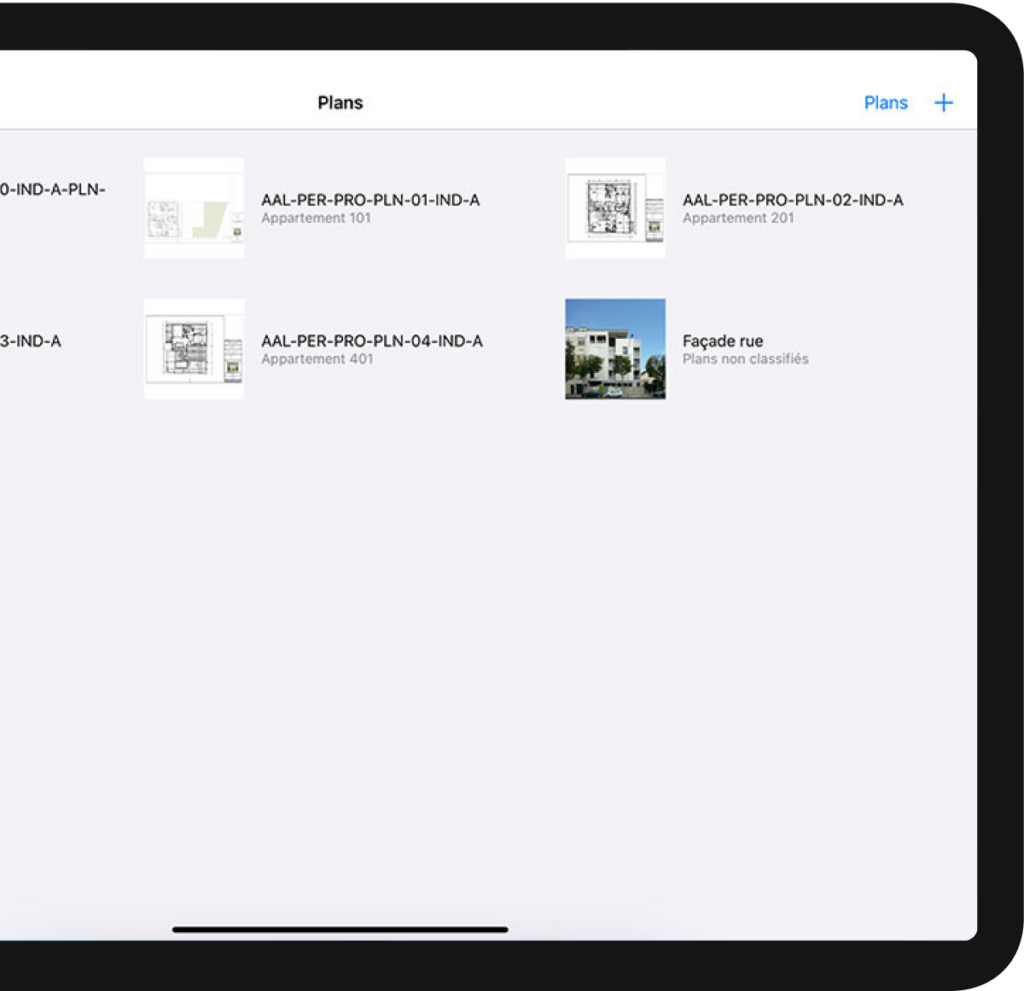
At all times you have acccess to all your drawings, simply zoom in or out to view a detail of a drawing or zoom all the way out and see the complete library of your drawings.

Archipad is your most cost-effective tool to help you improve tracking of work. At all times, in a very small package, will you have access to every aspect of the construction site, be it drawings, meetings, photos, attendees, reports, if Archipad does not handle any particular aspect of your specific work method, you know what they say: There is an app for that :)


    Meeting minutes

You were many to ask us to add a module to handle meeting minutes. Archipad's latest module allows you to keep meeting minutes, to better manage your sites from start to finnish.

Add remarks by category, take a picture to illustrate progress of a task or the construction site, you can now create easily and quickly create well presented meeting minutes.

Using the attributes, you can specify who is concerned by a remark, define a date, and a status. Using a selection of styles, which you can extend with your own, allows you to control how each remarks is to be printed in your report.


Among the features you will like in Archipad

Following is a quick list of some of the features that you will be able to use in Archipad. All these features are available not only in the paid version of Archipad, but also in the free version of Archipad.

Organize your projects

Archipad is all about effeciency. We have added several tools to simplify the task and speed up your work. Using Archipad even allows you to remove tedious and time consuming steps.
Learn more about saving time

Manage construction site meetings

Use Archipad to conduct on-site meetings as you have never done before. Our simple to use list of items helps you organize your meetings effeciently, and makes sure you will not forget anything. Learn more about meetings

Organize observations and retentions

Archipad not only helps you simply entering observations, add photos, and track their status, Archipad will also send out reports to the contractors and sub-contractors, while you're still on site! Learn more about observations

Generate personalized reports

Archipad is all about effeciency. We have added several tools to simplify the task and speed up your work. Using Archipad even allows you to remove tedious and time consuming steps.
Learn more about saving time

Award winning app

The jury of Innovation & Design Awards met to draw up its shortlist from over 210 entries. The purpose of the Innovation competition is to reward the most innovative products in the construction industry.
Watch the Awards Ceremony

All your drawings instantly available

Use Archipad to always carry all your drawings and plans with you on site. Import the drawings and plans in PDF or DWF format, using one of several options. Learn more about importing